
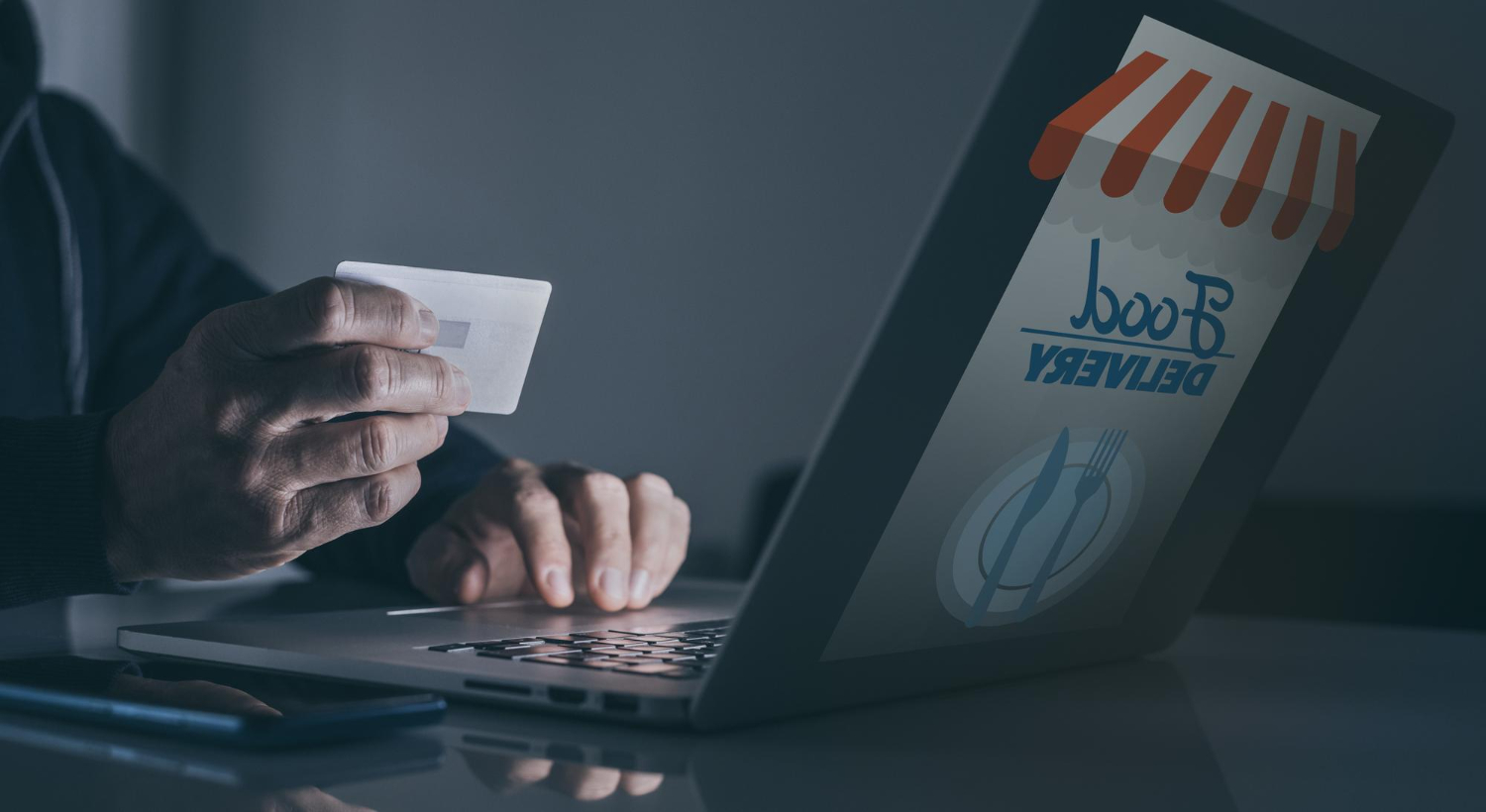
Online shopping in 2026 is faster than ever, which is exactly why scams are effective. The most dangerous fake stores aren’t obviously sketchy anymore; they look polished, use convincing product photos, and often copy the layout of legitimate brands. The trap usually happens at the moment you’re excited and in a hurry: a “limited stock” timer, a huge discount, or a link from social media that drops you into a checkout page you didn’t plan to trust. Modern scams also play with payment flow: they redirect you to lookalike payment pages, push you into bank transfers or crypto, or trick you into signing up for subscriptions disguised as shipping fees. The goal isn’t to become suspicious of everything. The goal is a fast pre-checkout checklist that catches the high-risk signals before you enter card details. If you can verify the store’s basic legitimacy, confirm the payment flow is normal, and avoid risky links that hijack your session, you can buy online confidently without turning every purchase into an investigation.
Fake store signals you can spot in under a minute: domain tricks, policy tells, and “too perfect” discounts

Most fake stores fail basic reality checks, but you have to know what to look at. The lifehack is doing three quick scans: the domain, the store identity, and the policies. Start with the domain. Scam stores often use lookalike names, extra words, hyphens, or unusual endings to imitate real brands. Even when the site looks professional, the domain often feels slightly off—like a brand name plus “sale,” “outlet,” or “official” added in a way the real company wouldn’t use. Next, look for a clear store identity: real businesses usually show consistent contact details, a real address (not just a generic form), and customer support that looks like an actual operation, not a copy-pasted template. Then scan policies. Scam stores often have long, generic policy pages full of awkward language, inconsistent company names, or terms that don’t match the brand. If the return policy is vague, full of weird exceptions, or makes returns nearly impossible, that’s a red flag. Also watch the discount logic. Big discounts do exist, but “90% off everything,” permanent countdown timers, and constant “only 3 left” banners across many products are classic pressure tactics. The point isn’t that any one signal proves a scam; it’s that fake stores stack multiple weak signals at once. If the domain is odd, the policies are generic, and the discounts feel unreal, treat it as high risk and move on.
Payment redirects and checkout traps: confirm the flow is normal and refuse the “unsafe” payment methods
A lot of people focus on the storefront and forget that the real trap is the payment step. The lifehack is verifying that checkout behaves like a legitimate process: consistent branding, a secure-looking payment page that matches the store, and no surprise method changes. Scam stores often push you away from protected payments and toward methods that are hard to reverse. If a “store” insists on bank transfer, gift cards, crypto, or weird direct payment links, that’s a strong warning sign. Another common trick is a redirect to a lookalike payment page. You click “Pay,” and the site opens a new page or overlay that looks like a known provider, but the URL is slightly wrong or the page asks for unusual details. Legitimate payment providers don’t ask for things they don’t need, and they typically have well-known domains. If you see unexpected redirects, especially with strange domain names, stop. Close the page and return to the store via the address bar rather than continuing inside a chain of popups. Also watch for “subscription disguised as checkout.” Some scam flows turn a cheap “shipping fee” into a recurring charge, or sneak in a membership that renews automatically. The defensive habit is reading the final confirmation screen: check the merchant name, total amount, and whether it says “recurring” or “subscription.” If the checkout feels like it’s rushing you or hiding details, that’s a reason to slow down, not a reason to click faster.
Risky links and browser protection: avoid session hijacks and use built-in safety tools as your last line of defense

Many shopping scams start with a link, not with a search. Social media ads, influencer “deal” links, random DMs, and email “your order” messages are common entry points. The lifehack is treating links as untrusted until proven otherwise. If you want to buy something, open your browser and navigate to the store yourself rather than trusting a link that dropped into your feed. Even when the store is real, links can include tracking or redirect chains that make it harder to see where you actually landed. Use the address bar as your source of truth. Another strong habit is using browser protections that reduce risk without adding effort. Modern browsers can warn about known malicious sites, block deceptive popups, and reduce cross-site tracking that helps scammers target you. Keep your browser updated, because many shopping-related attacks rely on old vulnerabilities or sloppy redirect behavior. Also consider using a private window for a “high risk” checkout, especially if you’ve been browsing lots of random sites; it reduces cookie clutter and makes it harder for a shady script to piggyback on an existing session. Finally, treat your device’s autofill carefully. Autofill is convenient, but it can also hide the moment you’re entering sensitive details on the wrong site. If a site looks even slightly suspicious, don’t let autofill dump your card details automatically. Type it manually only after you’ve confirmed you trust the store, or better, use a protected payment method that doesn’t expose your real card number. The goal is a workflow where the browser helps you catch the obvious traps, and your habits catch the subtle ones.