
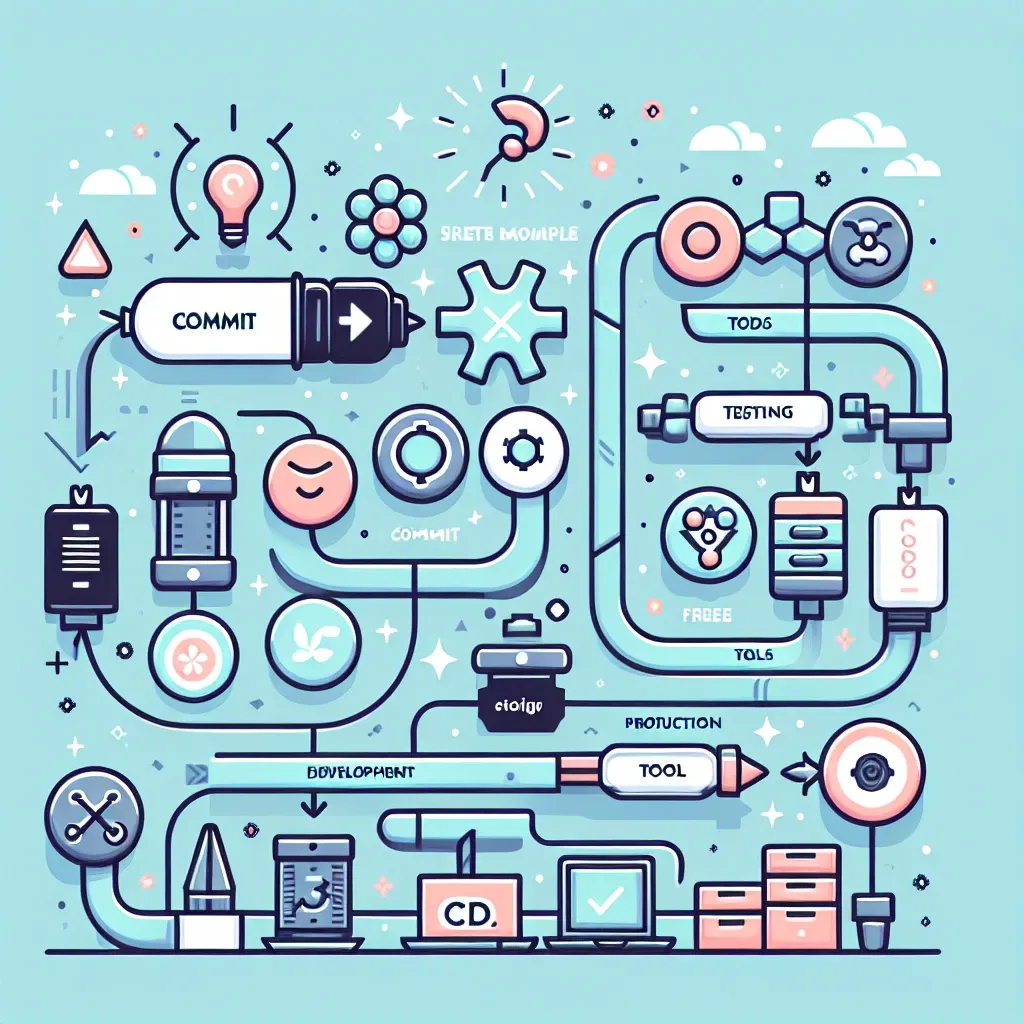
Unlocking the Power of CI/CD with Free Tools
Continuous Integration and Continuous Delivery (CI/CD) are cornerstones of modern software development, automating the build, test, and deployment process. While commercial CI/CD platforms offer robust features, setting up a functional pipeline using free tools is entirely achievable and often surprisingly efficient. This guide walks you through the process, highlighting popular choices and best practices.
Why Choose Free CI/CD Tools?
Opting for free, open-source tools offers several advantages:
- Cost-effectiveness: Eliminates recurring subscription fees, crucial for startups or projects with limited budgets.
- Flexibility and Customization: You have complete control over the pipeline’s configuration and integration with other tools.
- Transparency and Community Support: Open-source projects benefit from community contributions, ensuring ongoing development and robust support.
- Learning Opportunity: Mastering free CI/CD tools provides valuable experience applicable to commercial platforms.
Choosing Your Tools: A Foundation for Success
The optimal toolset depends on your project’s specific needs and technology stack. However, several excellent free options consistently stand out:
Version Control: Git
Git, a distributed version control system, forms the backbone of any CI/CD pipeline. It tracks code changes, facilitates collaboration, and provides a reliable source of truth for your project. GitHub, GitLab, and Bitbucket offer free plans with ample repository storage for personal and open-source projects.
Continuous Integration: Jenkins
Jenkins, a widely adopted, open-source automation server, is a powerful choice for CI. Its extensive plugin ecosystem allows integration with virtually any tool in your development workflow. Jenkins is highly configurable, enabling you to tailor the pipeline to your specific needs. Installation is straightforward, and the vast online community offers ample support and tutorials.
Continuous Delivery/Deployment: Various Options
The choice of a CD tool often depends on your deployment environment. Here are some popular free options:
- For simple deployments to servers: Simple shell scripts using SSH or tools like
rsynccan be sufficient for basic deployments. These can be easily integrated into your Jenkins pipeline. - For cloud deployments (AWS, Google Cloud, Azure): Each cloud provider offers command-line tools and SDKs that integrate well with Jenkins. You can automate deployments to cloud environments using these tools.
- Docker and Kubernetes: For containerized applications, Docker and Kubernetes are invaluable. Jenkins plugins exist for seamless integration, enabling automated container builds, pushes to registries, and orchestrating deployments on Kubernetes clusters.
Setting Up Your CI/CD Pipeline: A Step-by-Step Guide
Let’s outline a basic CI/CD pipeline using Jenkins, Git, and a simple shell script for deployment:
- Set up Git Repository: Create a Git repository for your project on GitHub, GitLab, or Bitbucket.
- Install Jenkins: Download and install Jenkins on a server (virtual machine or cloud instance). Follow the official Jenkins documentation for detailed instructions.
- Configure Jenkins: Configure Jenkins to access your Git repository using the Git plugin. This involves setting up credentials and specifying the repository URL.
- Create a Jenkins Job: Create a new Jenkins job (Freestyle project). Define the source code management (SCM) section to point to your Git repository.
- Build Steps: In the build steps, add shell scripts to perform your build process. This might involve compiling code, running tests, and generating artifacts.
- Deployment: Add a post-build step to deploy your application. This could be a simple shell script using SSH to copy the artifacts to your server or use more advanced techniques for cloud deployments.
- Test Thoroughly: Rigorously test your pipeline after each step to ensure it functions correctly.
Advanced Techniques and Best Practices
As your project grows, consider incorporating these advanced techniques:
- Automated Testing: Integrate automated unit, integration, and end-to-end tests into your pipeline to catch bugs early.
- Code Analysis: Use static code analysis tools to identify potential issues and improve code quality.
- Infrastructure as Code (IaC): Manage your infrastructure (servers, networks, databases) using code, automating its provisioning and configuration. Tools like Terraform or Ansible are excellent choices.
- Blue/Green Deployments: Minimize downtime during deployments by using blue/green deployments, where you deploy to a staging environment first before switching over to production.
- Canary Deployments: Gradually roll out your deployment to a subset of users to identify and address potential issues before a full rollout.
Note: This guide provides a high-level overview. Refer to the official documentation of each tool for detailed instructions and configuration options. Remember to adapt this process to your specific project requirements and technology stack. The power of CI/CD lies in its adaptability, enabling you to create a tailored workflow for optimal efficiency.
Embarking on this journey of building a free CI/CD pipeline might seem daunting initially, but the long-term benefits in terms of efficiency, reliability, and reduced development time are well worth the effort. By leveraging the power of free and open-source tools, you can unlock significant improvements to your software development process without breaking the bank.